SMB, NFS, WebDAV and FTP
Four protocols cover almost every NAS, router drive and home server. Use whichever is already switched on.
 RiveoGet the app
 Riveo connects directly to SMB, NFS, WebDAV and FTP shares on Synology, QNAP, Unraid, TrueNAS, a Raspberry Pi, a Mac or a Windows PC, and plays your MKV, MP4, AVI, MOV and TS files on Apple TV, iPhone, iPad, Mac, Android and Android TV.
No media server to install, no transcoding box to maintain. Browse the folders you already have, press play, and get 4K UHD, HDR10 and Dolby Vision video with subtitles and multiple audio tracks.
Free download. No account required. Riveo PRO is optional.
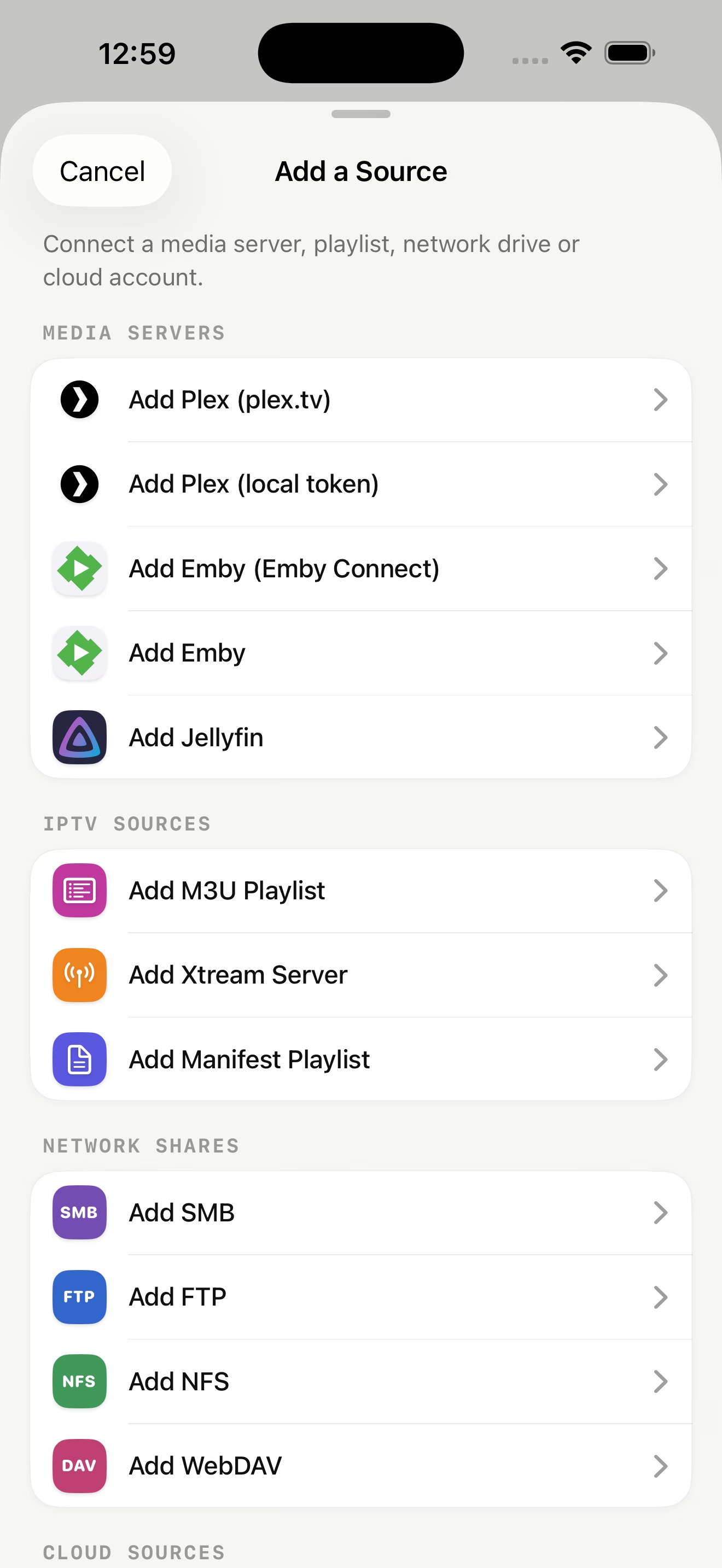
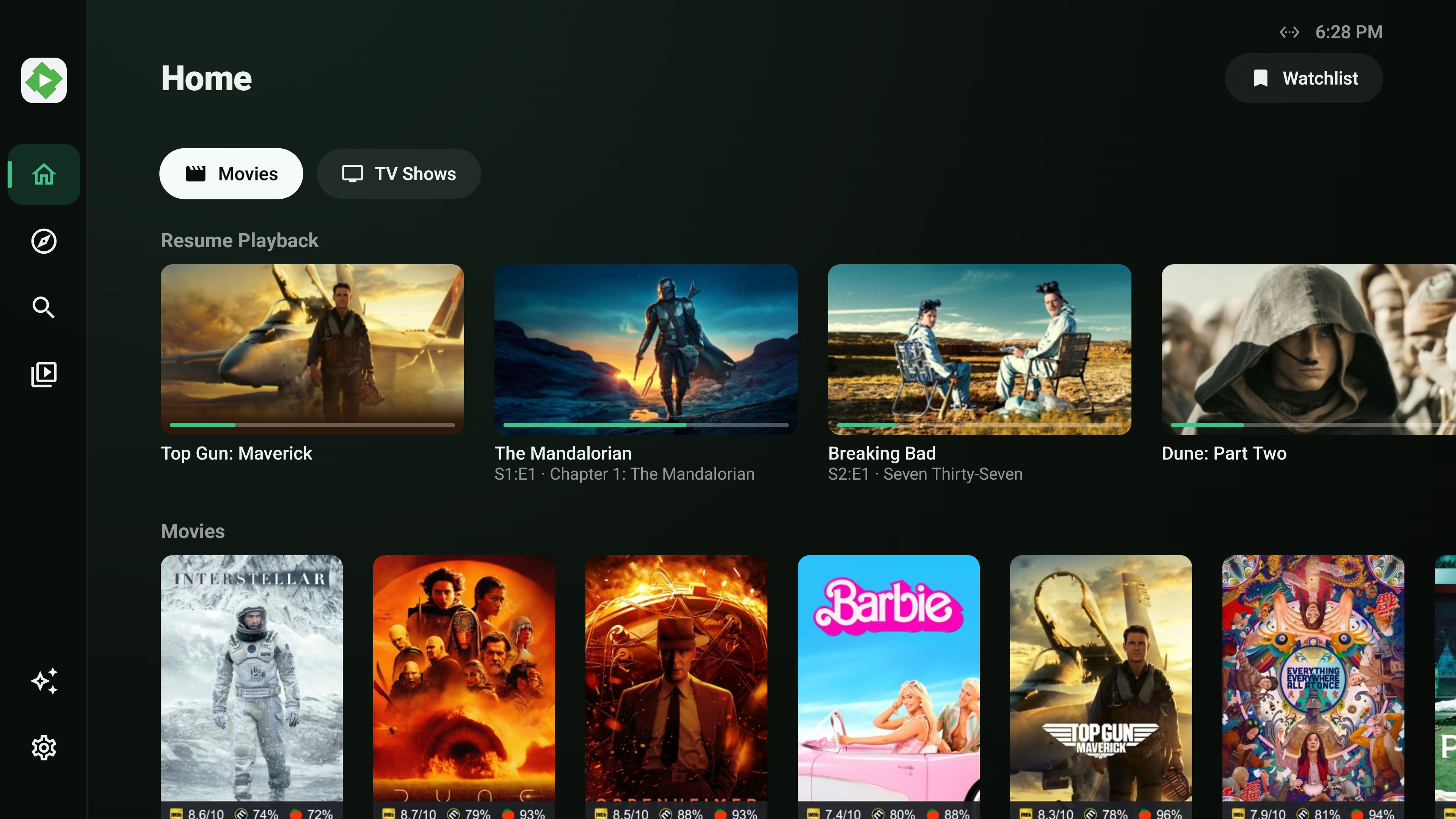
Yes. Enable SMB, NFS, WebDAV or FTP on the NAS, add the share in Riveo, and play your files directly. Plex, Emby or Jellyfin running on the NAS can be added as media servers too.
Yes. Riveo plays MKV, MP4, AVI, MOV and TS files over SMB, NFS, WebDAV and FTP on iPhone, iPad, Mac, Apple TV, Android and Android TV.
No. Riveo talks to the share directly using the protocol you enable. A media server is optional.
Yes. WebDAV shares from a NAS, a home server or a hosted provider can be added as a source and played directly.
Riveo is free to use and most features work at no cost. Riveo PRO unlocks additional features and is ad-free, offered as a monthly or annual subscription or a one-time Lifetime purchase. Current prices are shown in the app and on the store listing.
Riveo is available on the App Store for iPhone, iPad, Mac and Apple TV, and on Google Play for Android phones, tablets and Android TV.