4K HDR and Dolby Vision on the big screen
Play MKV, MP4, AVI, MOV and TS files from Jellyfin in 4K UHD, HDR10 and Dolby Vision on Apple TV 4K and Android TV.
 RiveoGet the app
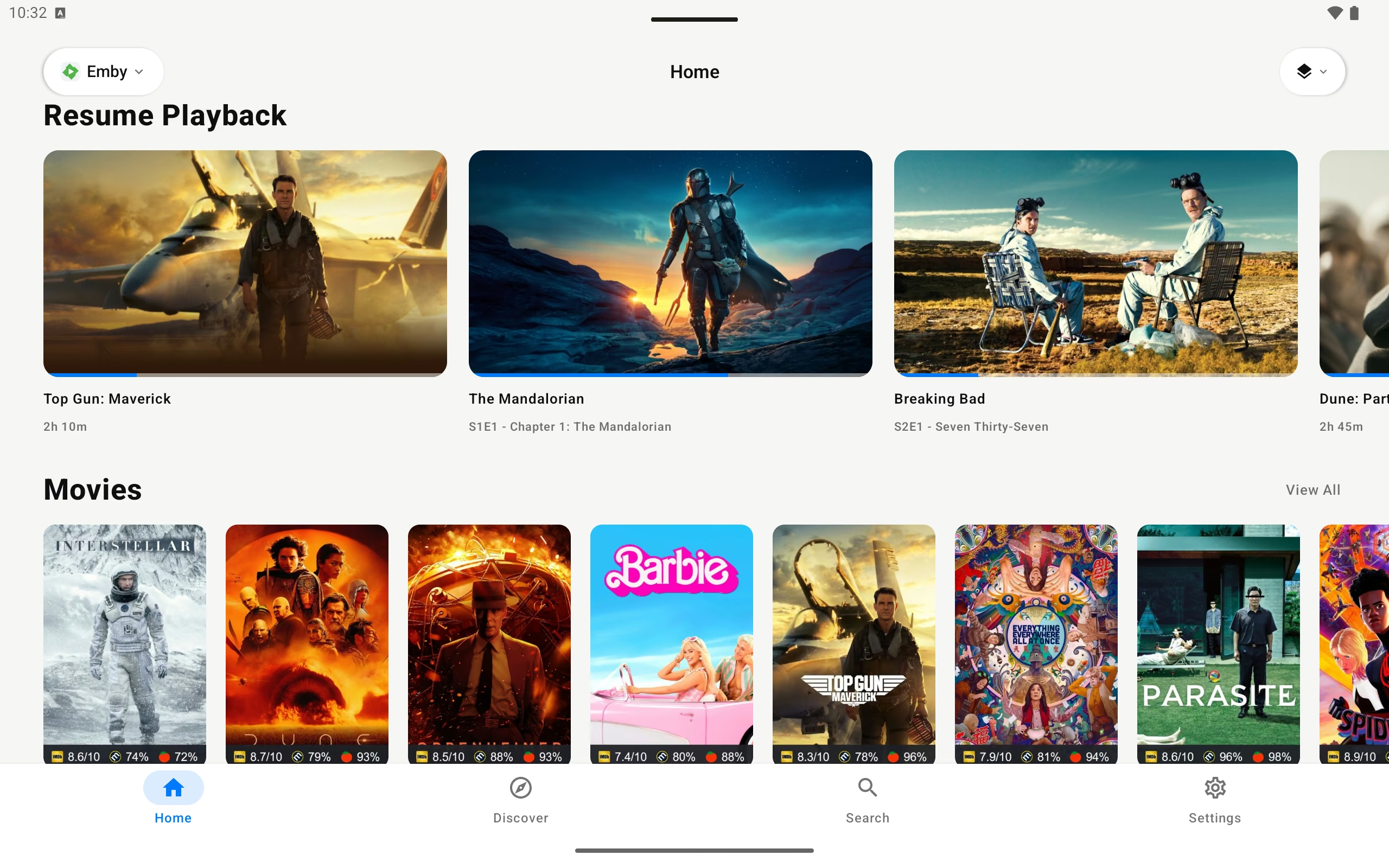
 Riveo is a native Jellyfin client for every screen you own. Point it at your Jellyfin server, sign in with your Jellyfin user, and your movies, shows and collections show up in a fast, cinematic library on Apple TV, iPhone, iPad, Mac, Android and Android TV.
Jellyfin stays in charge of your files, users and metadata. Riveo handles browsing and playback: 4K UHD, HDR10 and Dolby Vision video, subtitles, multiple audio tracks, Picture in Picture, AirPlay and offline downloads.
Free download. No account required. Riveo PRO is optional.
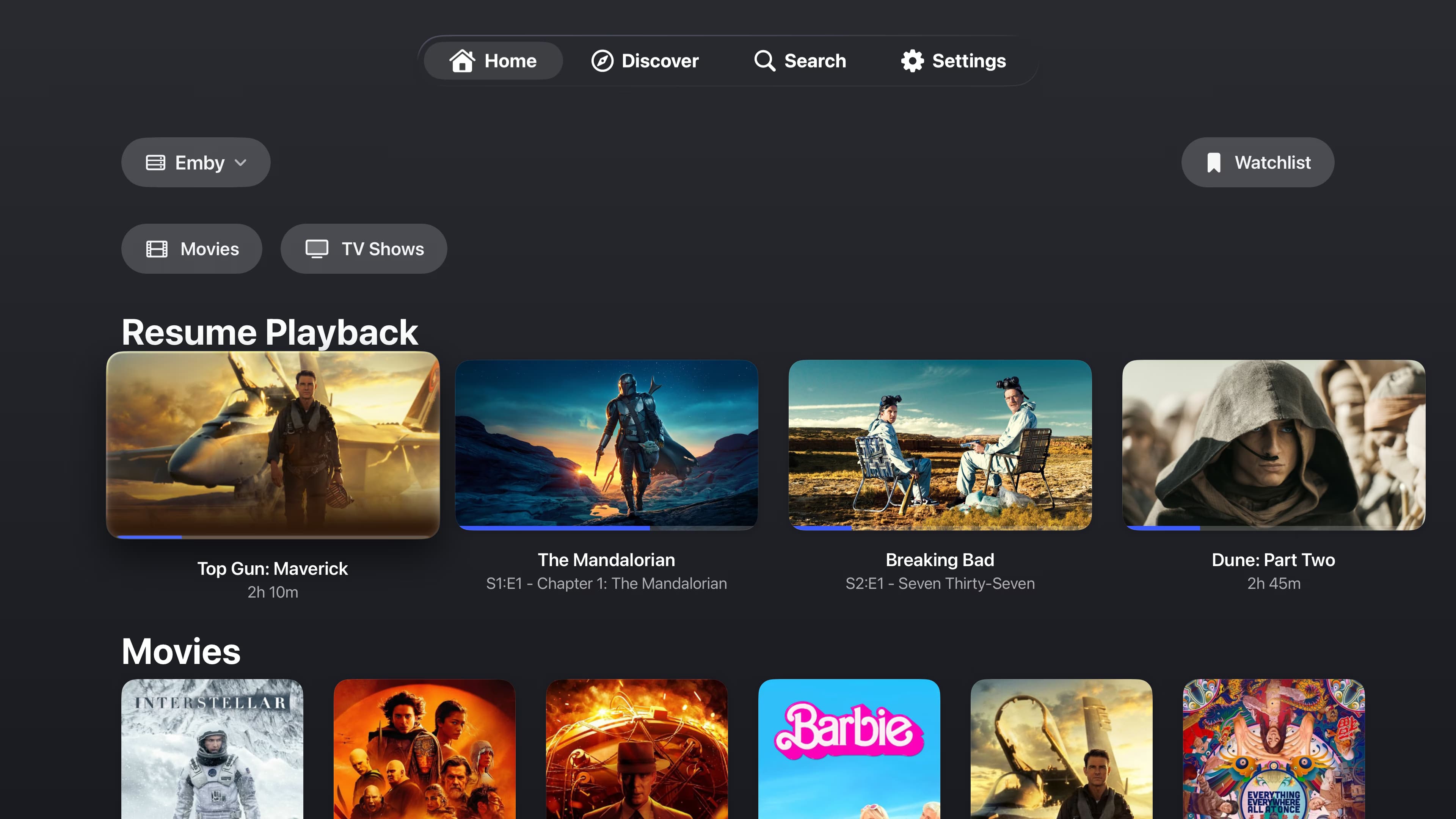
Yes. Riveo runs natively on tvOS and connects directly to your Jellyfin server, with 4K HDR and Dolby Vision playback on Apple TV 4K.
Yes. Riveo is on Google Play for Android TV, Android phones and tablets, and connects to the same Jellyfin server.
Riveo connects to current Jellyfin servers over the standard Jellyfin API. If your server is reachable from your device by URL, you can add it.
Yes, as long as your Jellyfin server is reachable at a URL from outside your network. Riveo uses the address you enter; it does not add its own relay or account.
Riveo is free to use and most features work at no cost. Riveo PRO unlocks additional features and is ad-free, offered as a monthly or annual subscription or a one-time Lifetime purchase. Current prices are shown in the app and on the store listing.
Riveo is available on the App Store for iPhone, iPad, Mac and Apple TV, and on Google Play for Android phones, tablets and Android TV.