RiveoGet the app
Cloud video player for Dropbox, OneDrive, pCloud, Koofr & B2

Stream video from your cloud drivewithout downloading it first.

Riveo connects to Dropbox, OneDrive, pCloud, Koofr and Backblaze B2 and plays the MKV, MP4, AVI, MOV and TS files stored there on Apple TV, iPhone, iPad, Mac, Android phones, tablets and Android TV.

Your cloud drive becomes a library, not a folder of attachments: browse, press play, switch subtitles and audio tracks, and save titles for offline viewing.

Free download. No account required. Riveo PRO is optional.

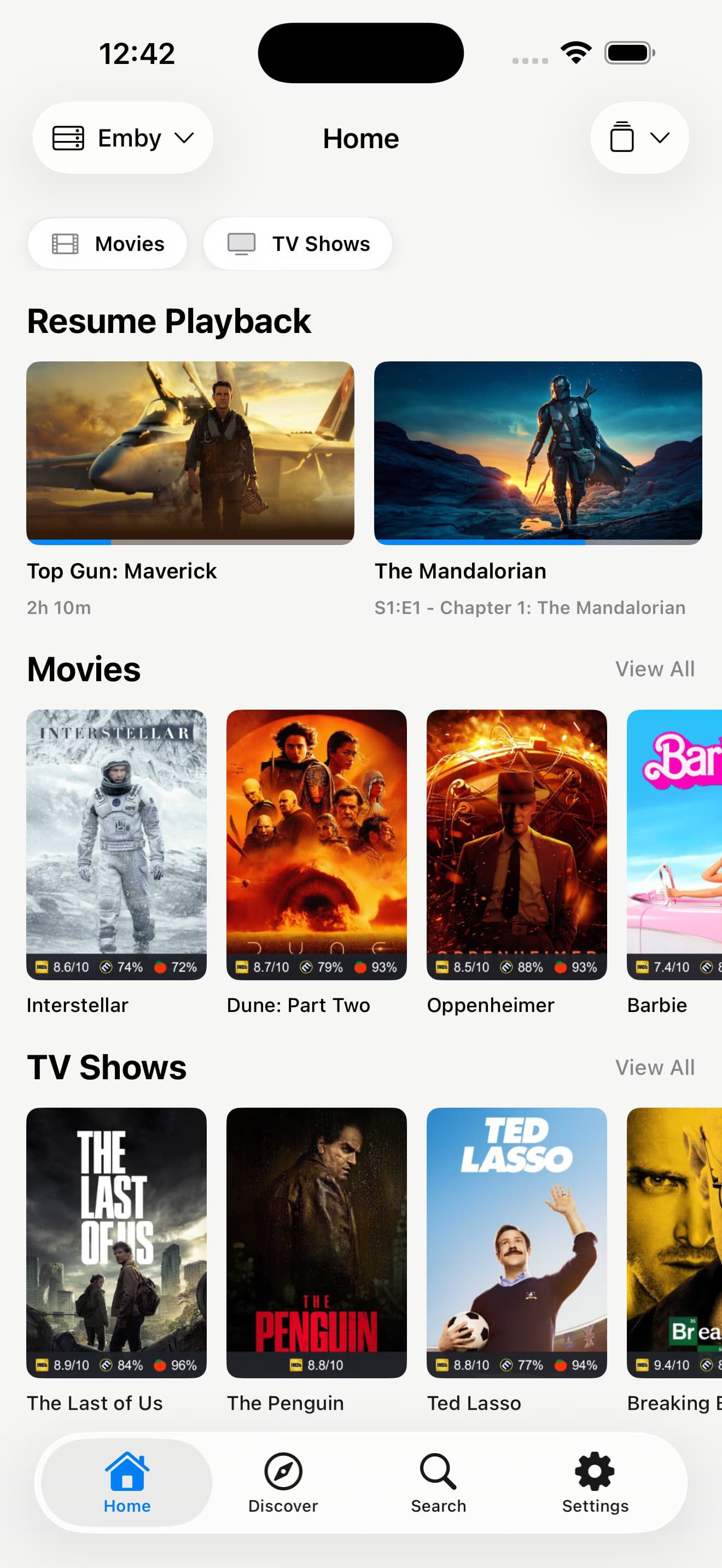
Riveo media library on iPhone with posters from connected media servers
Getting started

How to connect a cloud drive

  1. 01

    Choose your provider

    Open Add a Source and pick Dropbox, OneDrive, pCloud, Koofr or Backblaze B2.
  2. 02

    Sign in with the provider

    Authorise Riveo with your cloud account, or for Backblaze B2 enter your bucket credentials. Everything is stored securely on your device.
  3. 03

    Browse and play

    Riveo lists the folders and video files in your drive. Open one and playback starts from the cloud.
  4. 04

    Take it with you

    Download files for offline viewing, and on Apple devices let compatible app data sync through your private iCloud.
What you get

What you get with cloud playback in Riveo

Five providers, one library

Dropbox, OneDrive, pCloud, Koofr and Backblaze B2 appear side by side with your other sources.

4K HDR and Dolby Vision

Play MKV, MP4, AVI, MOV and TS files from the cloud in 4K UHD, HDR10 and Dolby Vision where your screen supports it.

Offline downloads

Keep a copy on your device for flights and commutes.

Backblaze B2 for big libraries

Store a large collection in an inexpensive B2 bucket and play it directly, without a server in between.

Private by default

There is no Riveo account, no ads and no tracking. Credentials are stored securely on your device, and on Apple devices compatible app data can sync through your private iCloud.
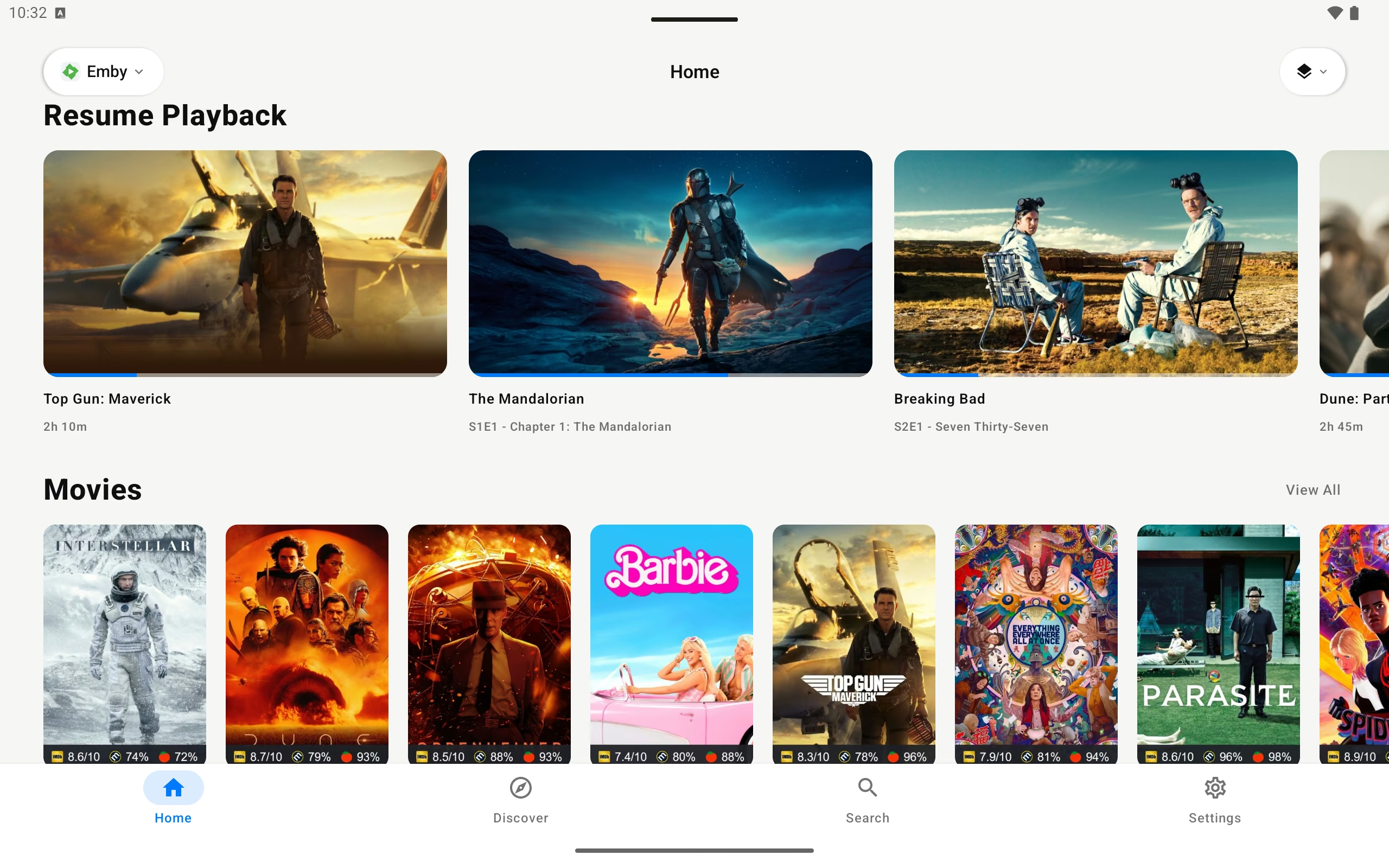
Riveo media library on an Android tablet showing Emby movies and TV shows
The useful details

Frequently asked questions

Still unsure? Read the full FAQ or get in touch.

Which cloud services does Riveo support? +

Riveo connects to Dropbox, OneDrive, pCloud, Koofr and Backblaze B2.

Can I play video from Dropbox on Apple TV? +

Yes. Add Dropbox as a source on Apple TV and Riveo streams your video files directly, with 4K HDR and Dolby Vision on Apple TV 4K.

Does Riveo stream from OneDrive on Android TV? +

Yes. Riveo is on Google Play for Android TV, Android phones and tablets, and connects to the same OneDrive account.

Do I have to download files before playing? +

No. Riveo streams from the cloud drive. Downloads are optional, for offline viewing.

Is the cloud player free? +

Riveo is free to use and most features work at no cost. Riveo PRO unlocks additional features and is ad-free, offered as a monthly or annual subscription or a one-time Lifetime purchase. Current prices are shown in the app and on the store listing.

Ready to press play?

Riveo is available on the App Store for iPhone, iPad, Mac and Apple TV, and on Google Play for Android phones, tablets and Android TV.