4K, HDR10 and Dolby Vision
Play your Emby library in 4K HDR and Dolby Vision on Apple TV 4K and Android TV, with the same player on phone and desktop.
 RiveoGet the app
 Riveo connects to your Emby server and brings your movies, shows and collections into one cinematic library on Apple TV, iPhone, iPad, Mac, Android phones, tablets and Android TV.
Your Emby server keeps managing files, users and metadata. Riveo focuses on the watching: 4K UHD, HDR10 and Dolby Vision playback of MKV, MP4, AVI, MOV and TS files, subtitles, multiple audio tracks, Picture in Picture, AirPlay and offline downloads.
Free download. No account required. Riveo PRO is optional.
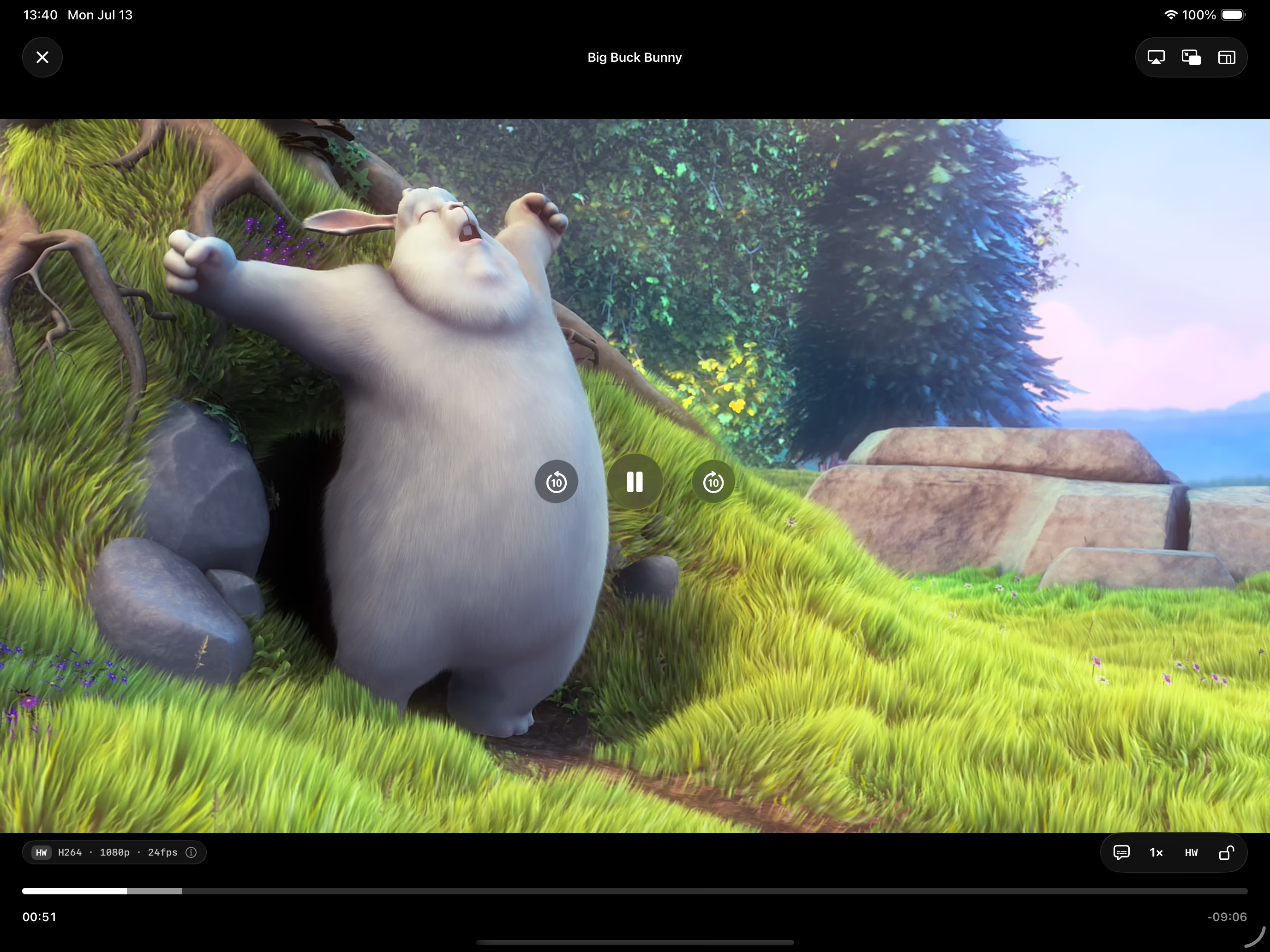
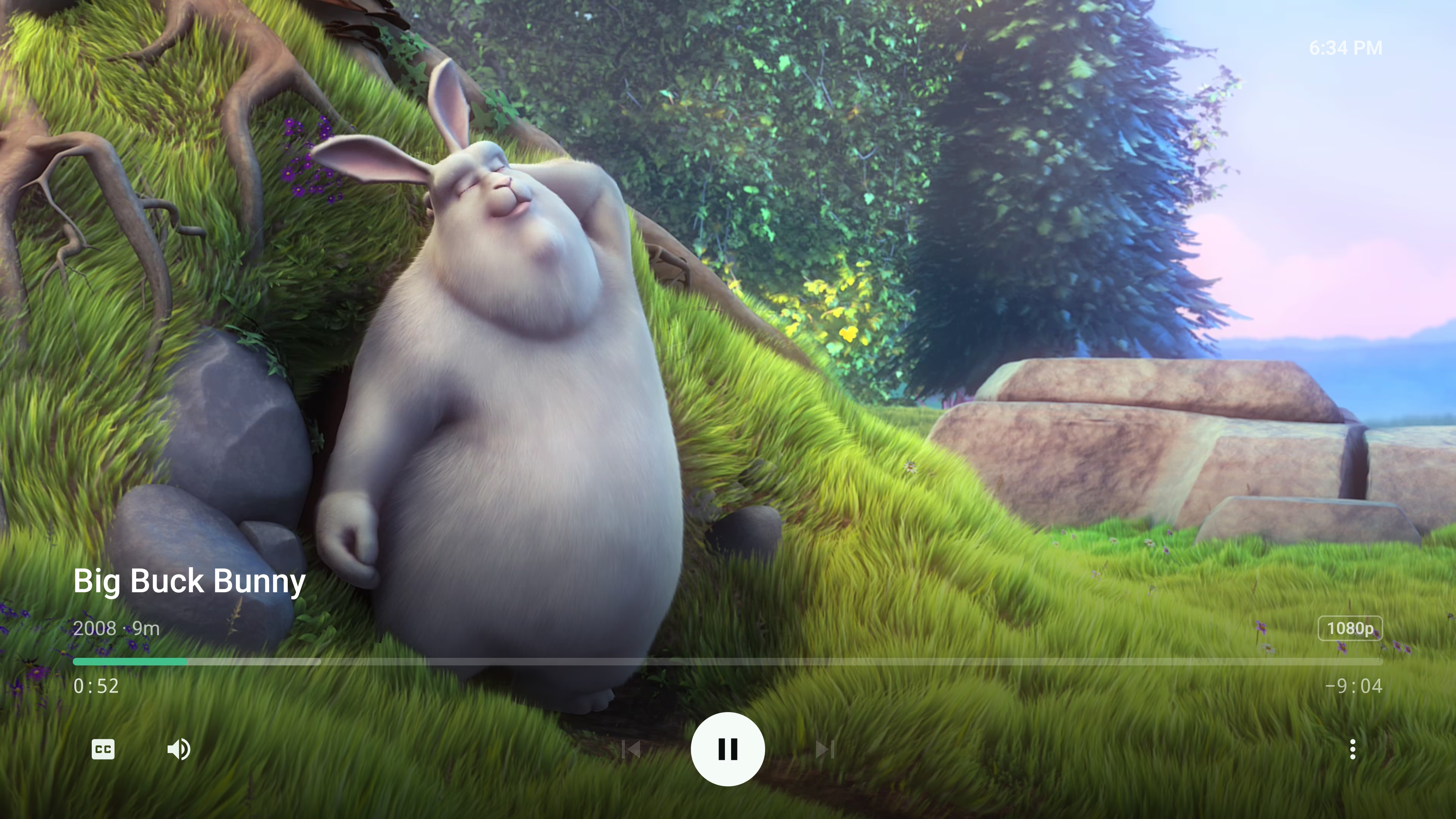
Yes. Riveo runs natively on Apple TV and connects straight to your Emby server, with 4K HDR and Dolby Vision playback on Apple TV 4K.
Yes. Riveo is available on Google Play for Android TV, Android phones and tablets.
Riveo does not require Emby Premiere to connect. Features controlled by your Emby server's own licensing remain governed by Emby; Riveo plays what your server makes available to your user.
Riveo is designed around multiple sources. Add each server you use and they all appear in the same library.
Riveo is free to use and most features work at no cost. Riveo PRO unlocks additional features and is ad-free, offered as a monthly or annual subscription or a one-time Lifetime purchase. Current prices are shown in the app and on the store listing.
Riveo is available on the App Store for iPhone, iPad, Mac and Apple TV, and on Google Play for Android phones, tablets and Android TV.