01
All your sources, one elegant library.
Jump between Plex, Emby, Jellyfin, NAS, cloud, and IPTV while keeping the experience beautifully familiar.
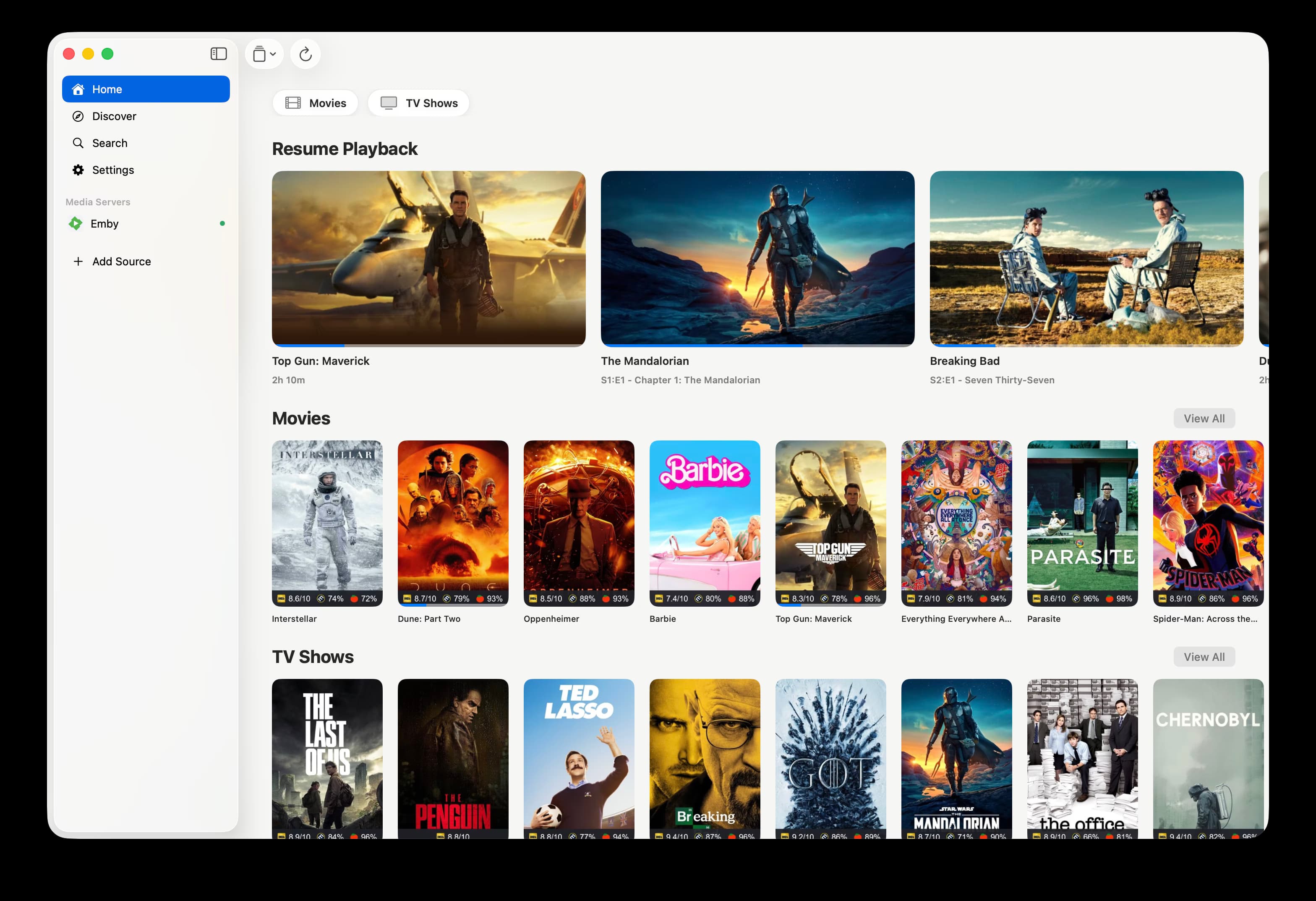
 RiveoGet the app
 Riveo brings your media servers, network shares, cloud drives, and IPTV into one fast, cinematic player — built for every screen you own.
Explore what Riveo can do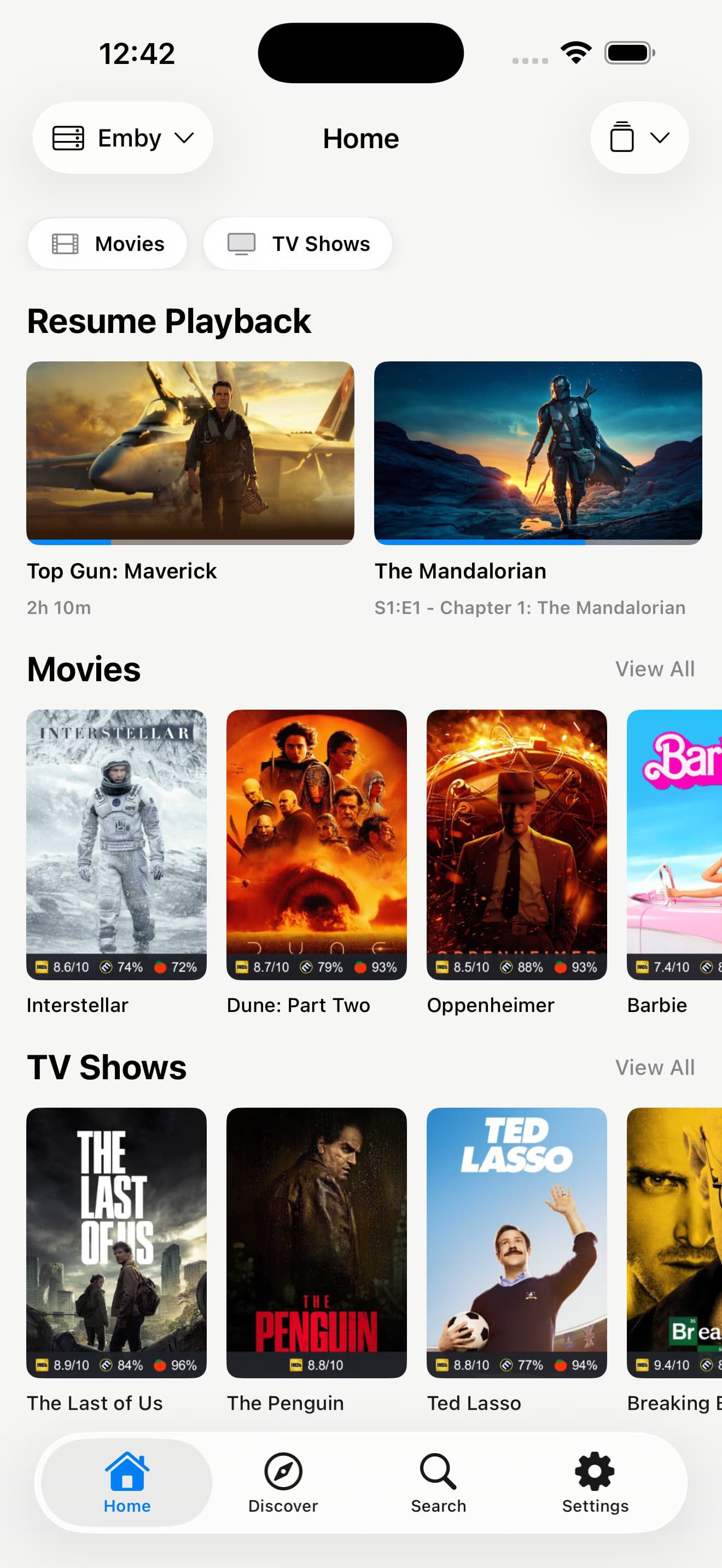
Riveo turns scattered libraries and playlists into one calm, consistent experience — from the phone in your hand to the TV across the room.
Jump between Plex, Emby, Jellyfin, NAS, cloud, and IPTV while keeping the experience beautifully familiar.
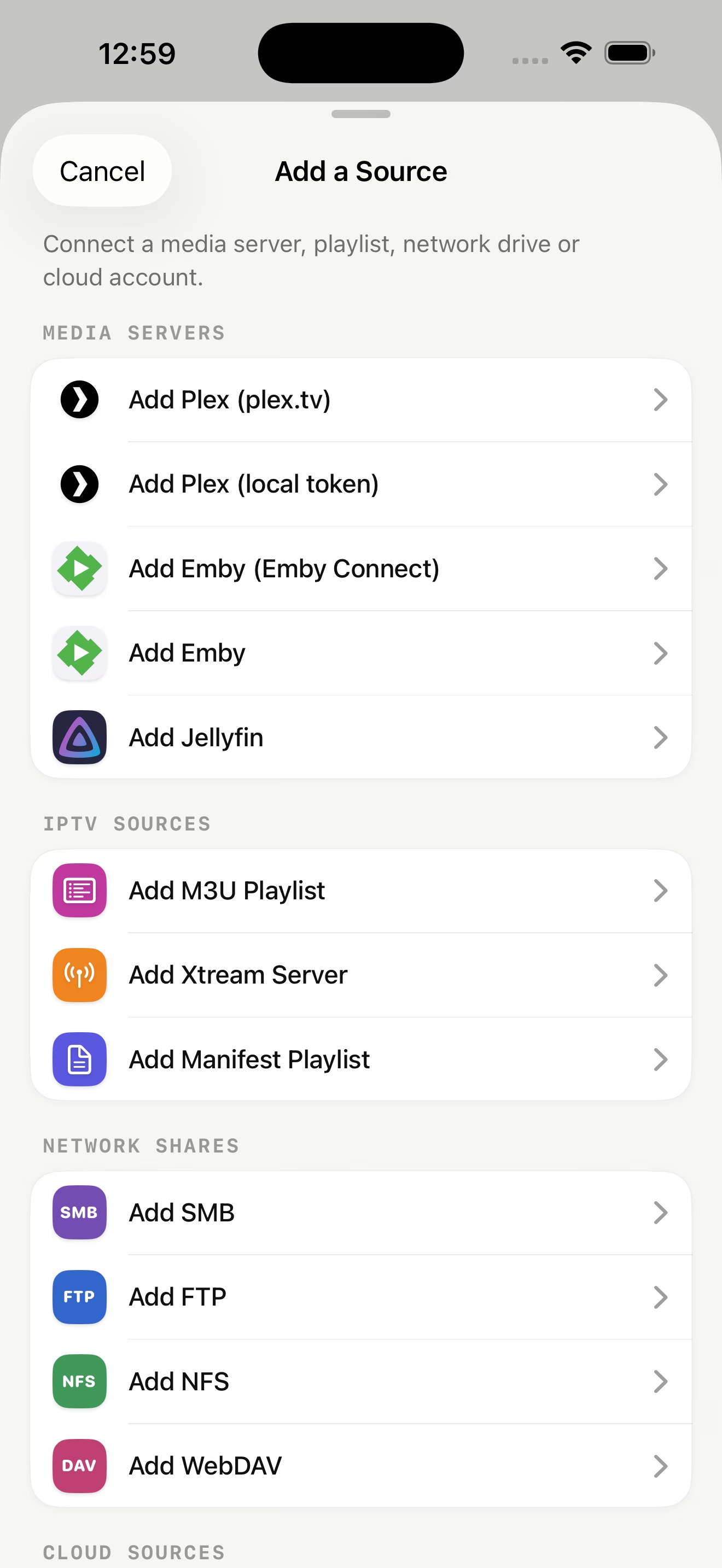
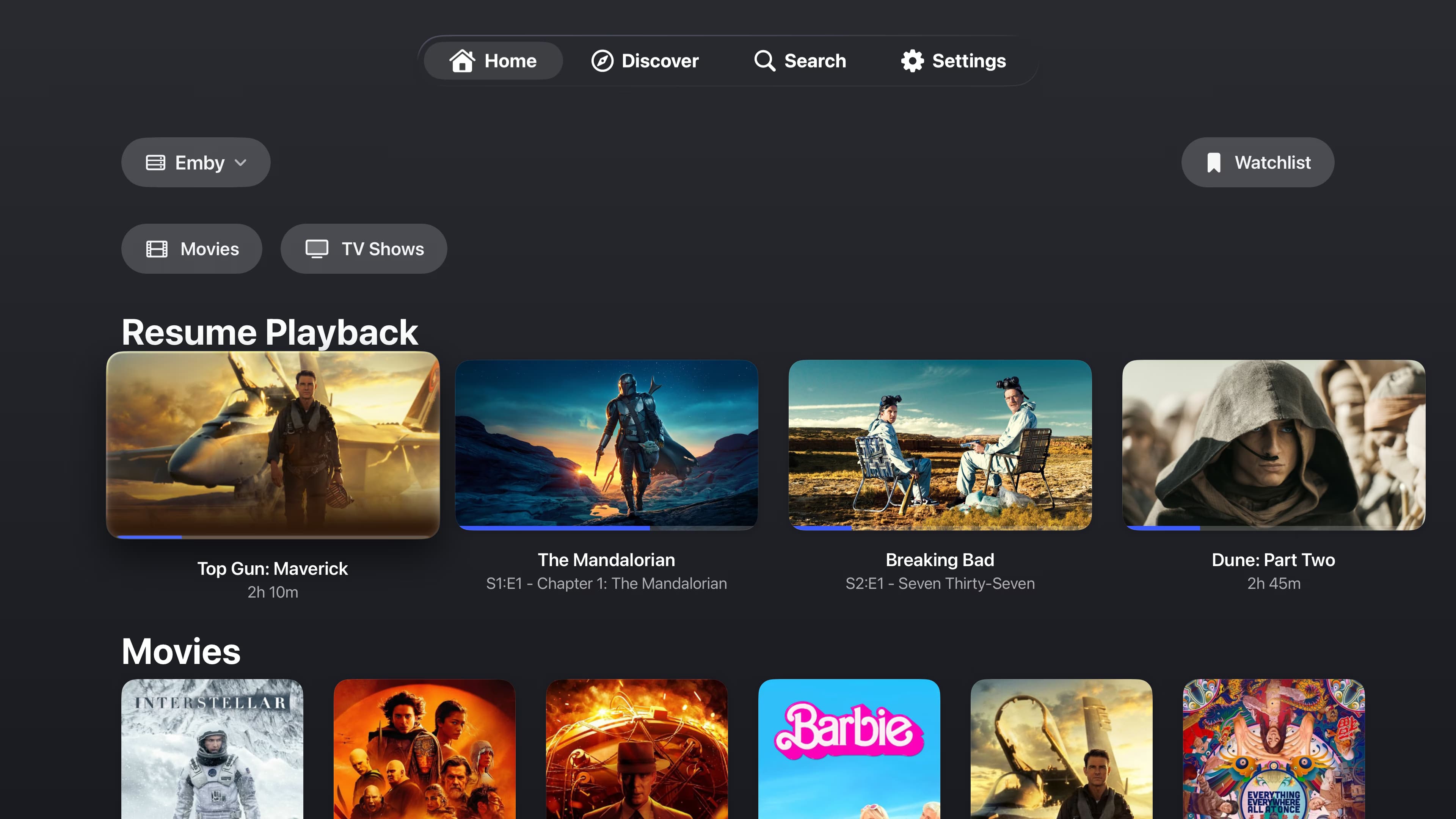
Servers, playlists, network shares, and cloud accounts live in one thoughtfully organized source picker.
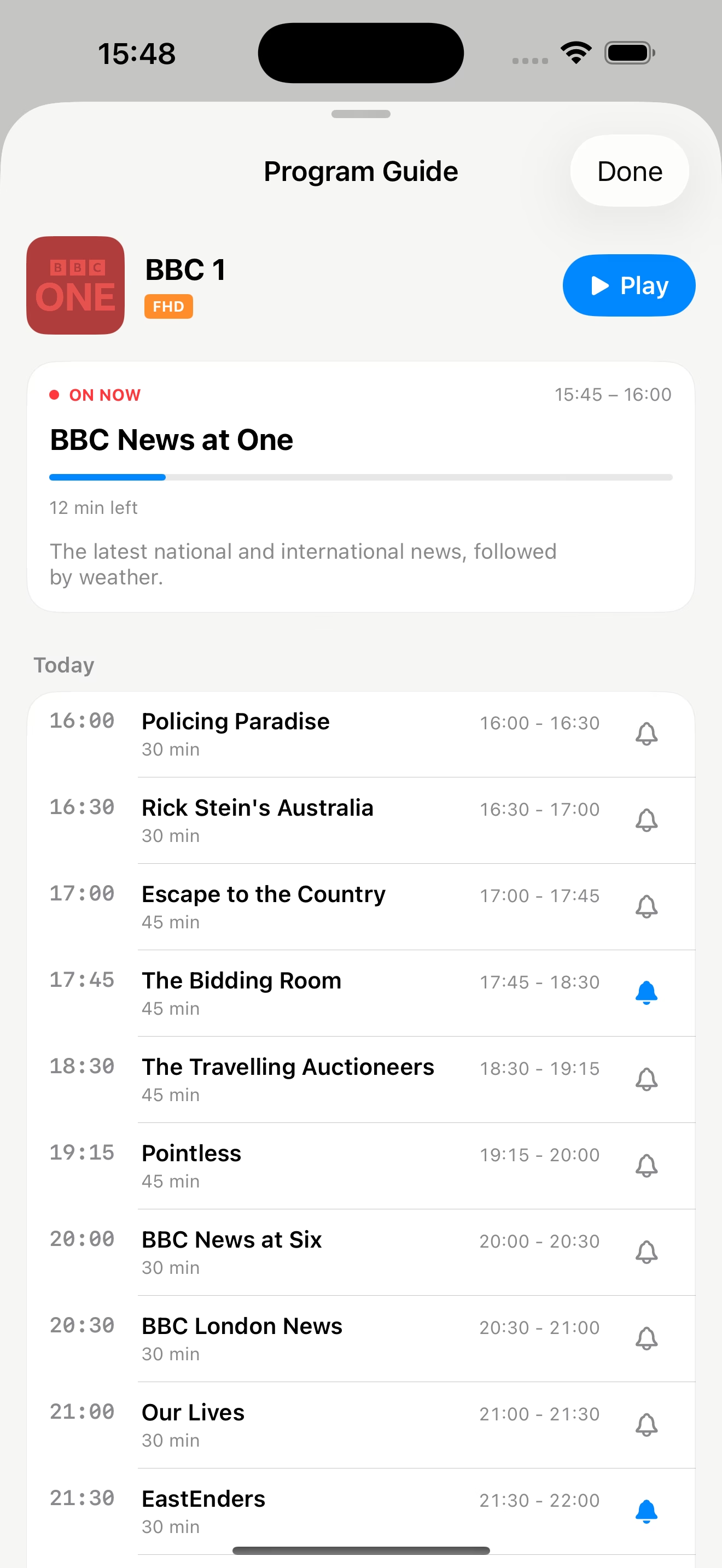
Bring your own M3U, Xtream, or manifest source. Browse the guide, find channels quickly, and remember what's next.
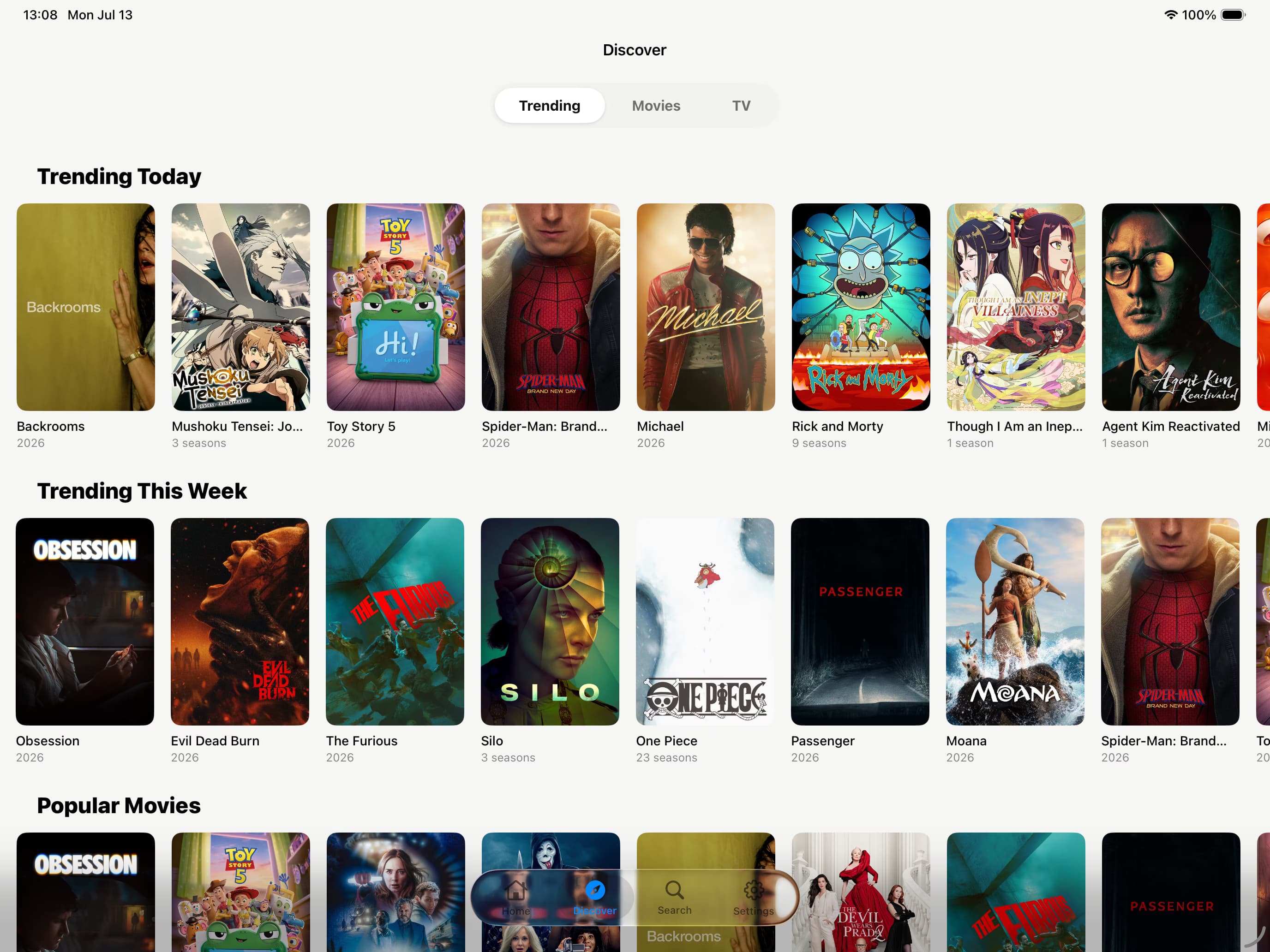
Browse trending movies and shows, then check whether a title is already available in the libraries you connected.
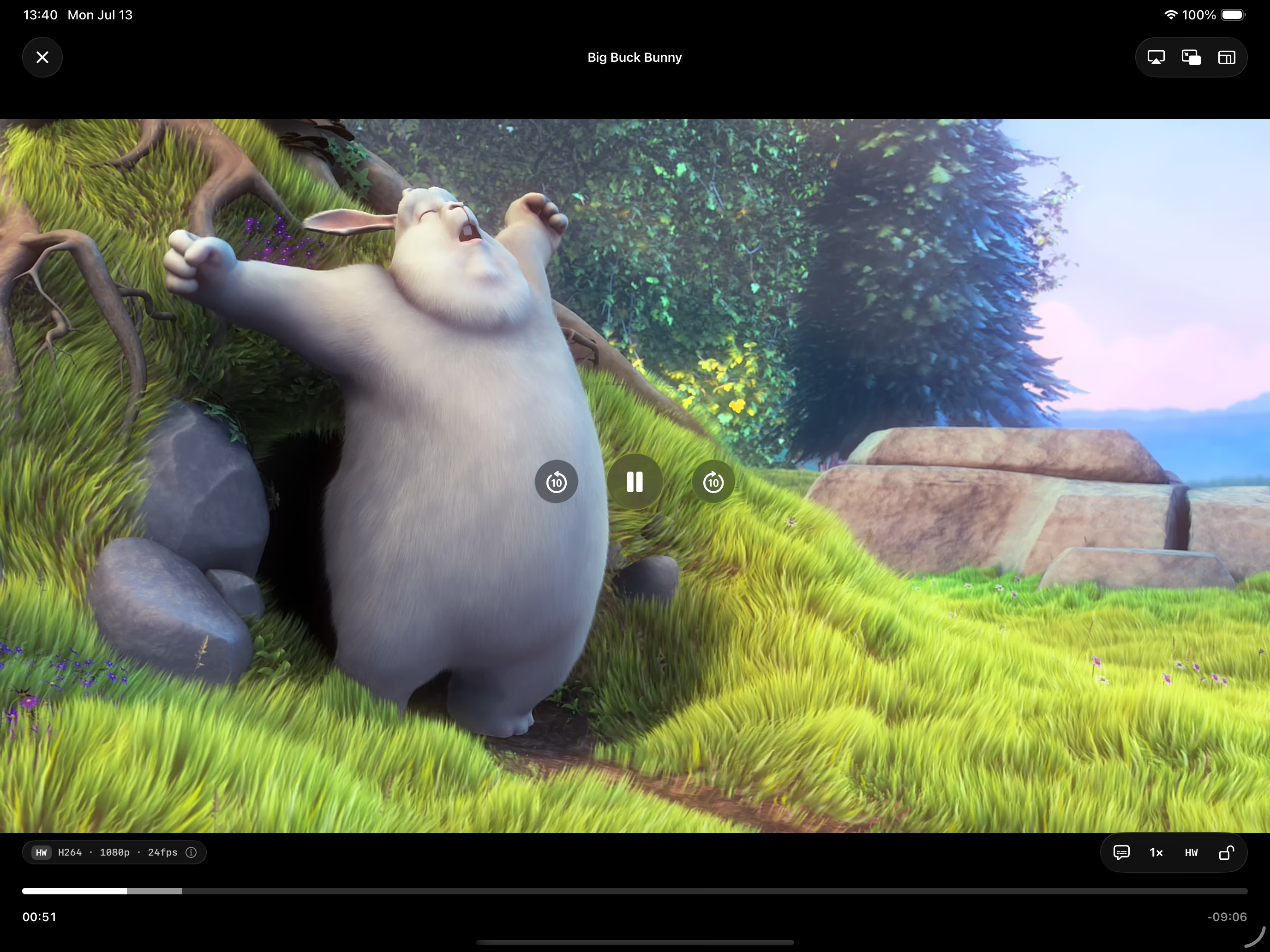
High-quality playback, audio tracks, subtitles, Picture in Picture, AirPlay, and downloads stay close without crowding the frame.
Move between personal servers, network shares, cloud drives, and live TV without moving between apps.
4K, HDR, Dolby Vision, multiple audio tracks, subtitles, Picture in Picture, AirPlay, and offline viewing.
Bring your own playlists, browse a full programme guide, search channels, and set reminders for what matters.
No Riveo account, no ads, and no tracking. Your credentials stay secure and your library stays yours.
Riveo is built for iPhone, iPad, Mac, Apple TV, Android phones, tablets, and Android TV — with an interface shaped for each one.
Riveo is a player, not a content service. You connect your own sources, and the app never ships with media, channels, or playlists.
Everything worth knowing about running Riveo on your devices.
Riveo is available now — on the App Store for Apple devices and on Google Play for Android. Use the download buttons at the top of this page.
No. Riveo is a player only and ships completely empty. You connect the media servers, storage, and playlists you already own or have the right to access.
Riveo supports Plex, Emby, Jellyfin, M3U, Xtream, manifest playlists, SMB, FTP, NFS, WebDAV, Backblaze B2, Dropbox, OneDrive, pCloud, and Koofr.
No. There is no Riveo account. On Apple devices, compatible app data can sync through your private iCloud.